Sndflo ← Back to sndflo.com

Blog

  • Eyes on the Kids, Not the Phone: How Day Care Centers are Reclaiming Their Time with AI

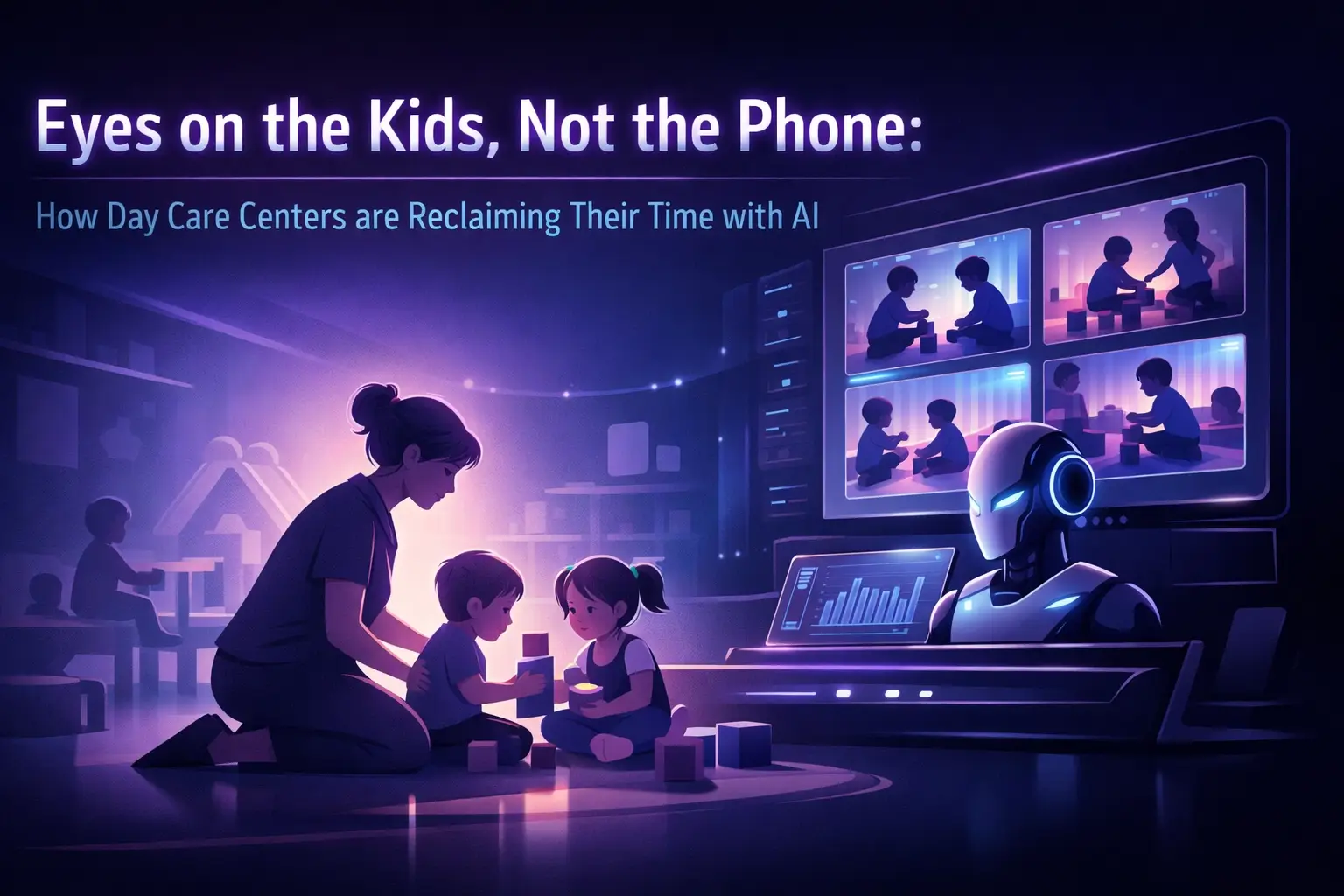
    Eyes on the Kids, Not the Phone: How Day Care Centers are Reclaiming Their Time with AI

    You're halfway through circle time when the phone rings.

    You've got 12 toddlers who need supervision, a new family calling about enrollment, and exactly zero spare hands. So you let it ring. Then you feel guilty. Then you check voicemail during nap time and find out they already called two other centers.

    This isn't a staffing problem. It's a reality problem.

    Day care directors don't have a "phone person." You have teachers who are there to teach, caregivers who are there to care, and a business that needs new families to survive. The phone just happens at the worst possible times, during transitions, meals, outdoor play, or literally any moment when you can't step away.

    The Hidden Cost of Missed Enrollment Calls
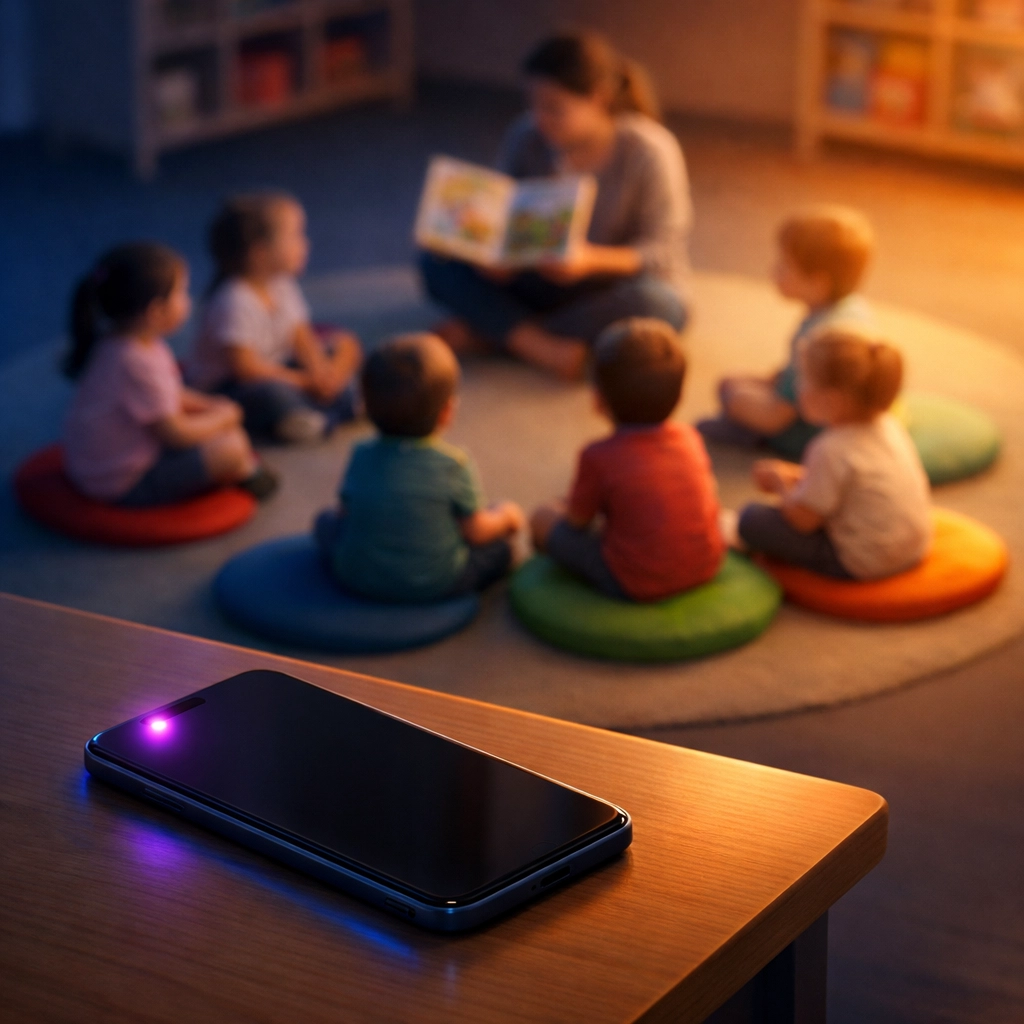
    Daycare classroom during circle time with ringing phone on desk showing missed enrollment call

    Most day care centers think they're losing one or two families a month to missed calls. The real number is higher.

    When a parent searches "day care near me," they're calling three to five centers in the same sitting. Whoever picks up first, or responds first, usually gets the tour. If your phone goes to voicemail, you're not in that race. You're asking them to wait, leave a message, and hope you call back before someone else answers.

    That's not how parents shop anymore.

    You're also competing with centers that answer instantly. Not because they have more staff, but because they've set up a system that handles inquiries without pulling someone out of the classroom. When you miss that call, you're not just losing revenue. You're losing the chance to tell your story, explain your curriculum, and show what makes your program different.

    And here's the brutal part: your marketing still worked. The parent found you. They called you. The breakdown happened at the last step.

    Why "Just Hire Someone" Doesn't Solve It

    The obvious answer is to hire a front desk person. But most day care centers can't afford a full-time admin, especially not one who works evenings, weekends, and during summer when call volume spikes.

    You could rotate staff to cover the phone. But now you're pulling a teacher away from their classroom to answer questions about pricing, availability, and tour times. That teacher didn't sign up to be a sales rep. They signed up to work with kids.

    Voicemail doesn't work either. Parents don't leave messages. And when they do, you're stuck playing phone tag during the only 20 minutes you had to prep for tomorrow.

    The real issue isn't who answers the phone. It's that the phone demands immediate attention during moments when you literally cannot give it.

    How an AI Receptionist Changes the Equation

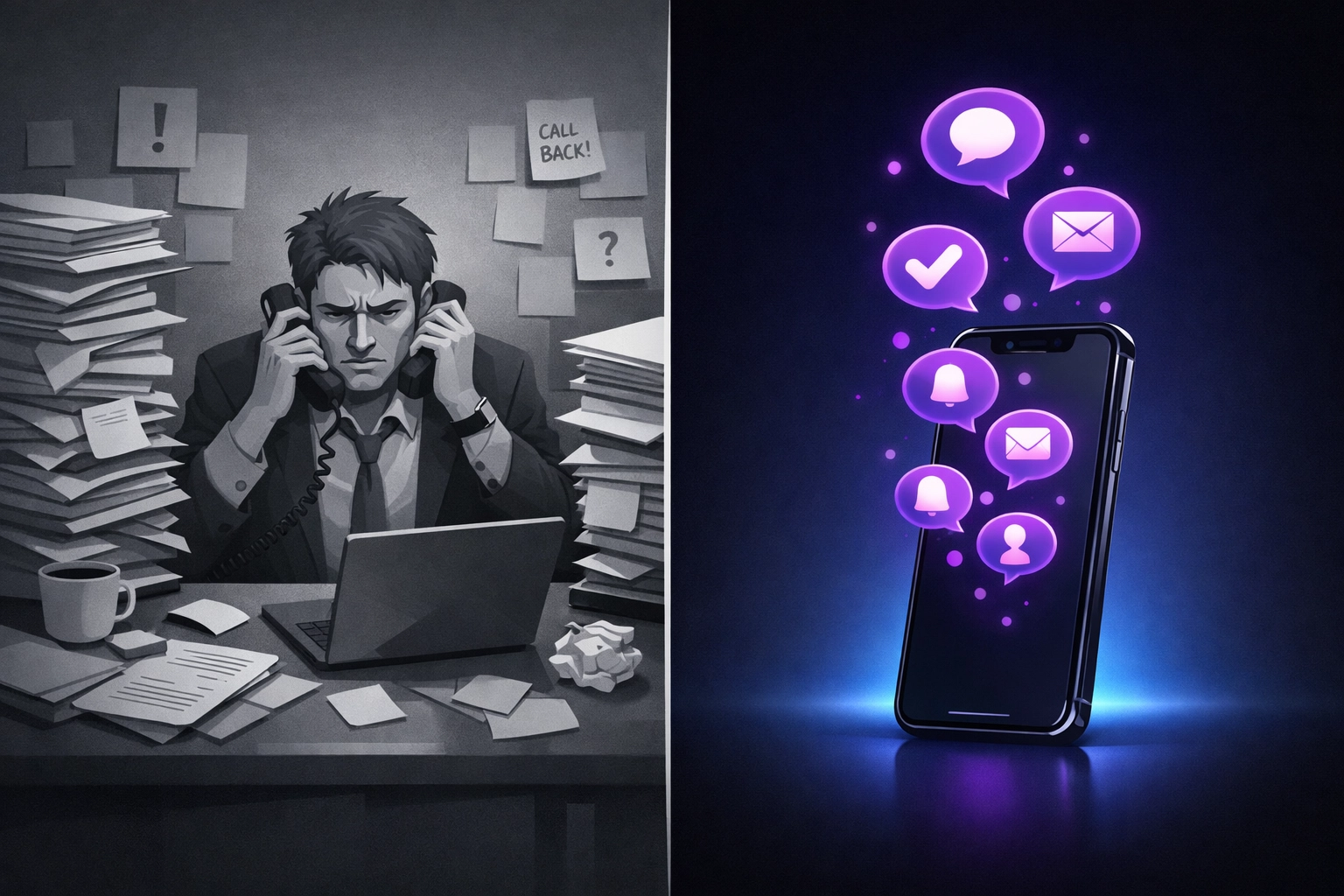
    Daycare teacher managing phone calls with AI receptionist vs focusing on reading to children

    An AI receptionist is designed to do one thing well: handle the first conversation so you don't have to.

    When a parent calls, the AI answers in under three seconds. It sounds like a real person. It asks a few questions, child's age, when they're looking to start, what program they're interested in, and it responds with actual information. Hours, pricing, availability, next steps.

    If the family wants a tour, the AI checks your calendar and books it on the spot. If they have a specific question the AI can't answer, it takes their info and sends you a text summary. You follow up when you're free, not when the phone rings.

    This isn't a chatbot that frustrates people. It's a 24/7 answering service that qualifies leads, books appointments, and keeps the conversation moving while you stay focused on the kids in front of you.

    What It Actually Handles (and What It Doesn't)

    Here's what a good AI receptionist does for day care centers:

    • Answers calls instantly, even at 7 PM or on weekends
    • Responds to common questions about age groups, hours, tuition, and curriculum
    • Checks real-time availability in your enrollment system
    • Books facility tours directly on your calendar
    • Sends confirmation texts to parents with tour details
    • Captures contact info for families on your waitlist
    • Routes urgent calls (like a parent running late for pickup) to your cell

    Here's what it doesn't do:

    • Replace your judgment or expertise
    • Handle emergencies that require human discretion
    • Make enrollment decisions
    • Answer nuanced questions about special needs or medical concerns

    Think of it as a filter. It handles the repetitive stuff so you only get involved when you actually need to. The AI captures the lead. You close the enrollment.

    The Missed Call Text Back Safety Net
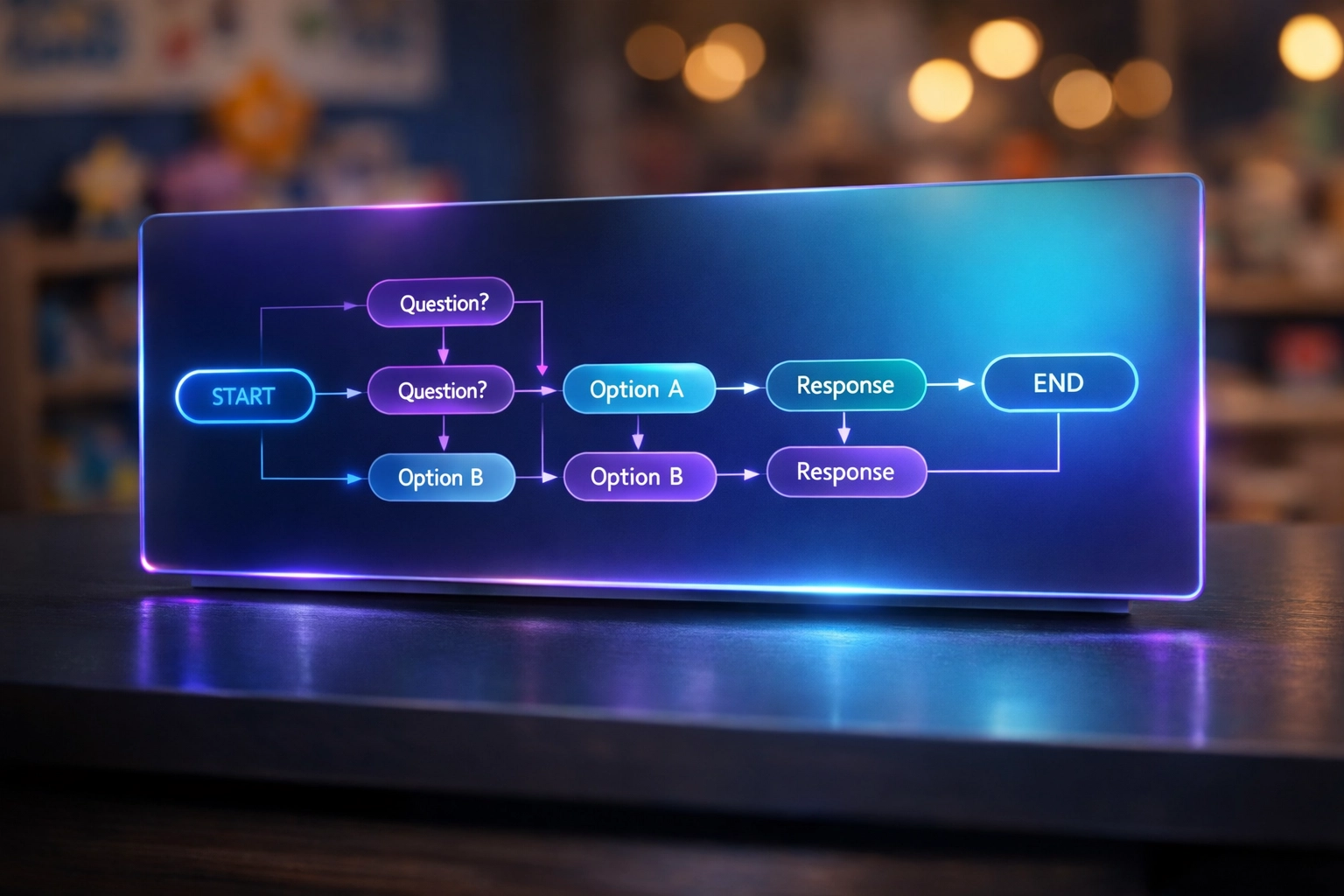
    AI receptionist interface managing daycare enrollment calls and missed call text responses

    Even with an AI receptionist, some calls slip through. Maybe your phone was off. Maybe the system had a hiccup. Maybe the parent hung up before the AI could answer.

    That's where missed call text back comes in.

    Within seconds of a missed call, the parent gets an automatic text: "Hi, this is [Your Center Name]. I see we just missed your call. What can we help with?" The parent can reply right there: no voicemail, no waiting.

    Most parents prefer texting anyway. It's faster. It's less awkward. And it gives them time to type out their questions without feeling rushed.

    You get a notification. You respond when you're between activities. The lead stays warm. The parent feels heard.

    It's a small feature, but it closes the gap between "we missed you" and "we lost you."

    What This Looks Like in Practice

    Let's say you run a small day care with two classrooms and one director (you). Your phone rings about 15 times a day. Half are parents asking about enrollment. The other half are current families with questions, vendors, or spam.

    Before the AI receptionist:

    • You answer maybe 6 of those calls
    • You miss 9, and 3 of those are serious inquiries
    • You spend 20 minutes a day playing phone tag
    • You lose at least one new family a week to faster competitors

    After the AI receptionist:

    • All 15 calls get answered
    • Enrollment questions get immediate responses and book their own tours
    • Current parent questions get triaged (urgent calls come to you, simple questions get answered)
    • You check text summaries once or twice a day instead of constantly monitoring your phone
    • You recover missed inquiries with instant text back

    You're not working less. You're working on what matters: building relationships with kids and families who are already enrolled, instead of being interrupted every 30 minutes.

    It's Not About Replacing People. It's About Protecting Their Focus.
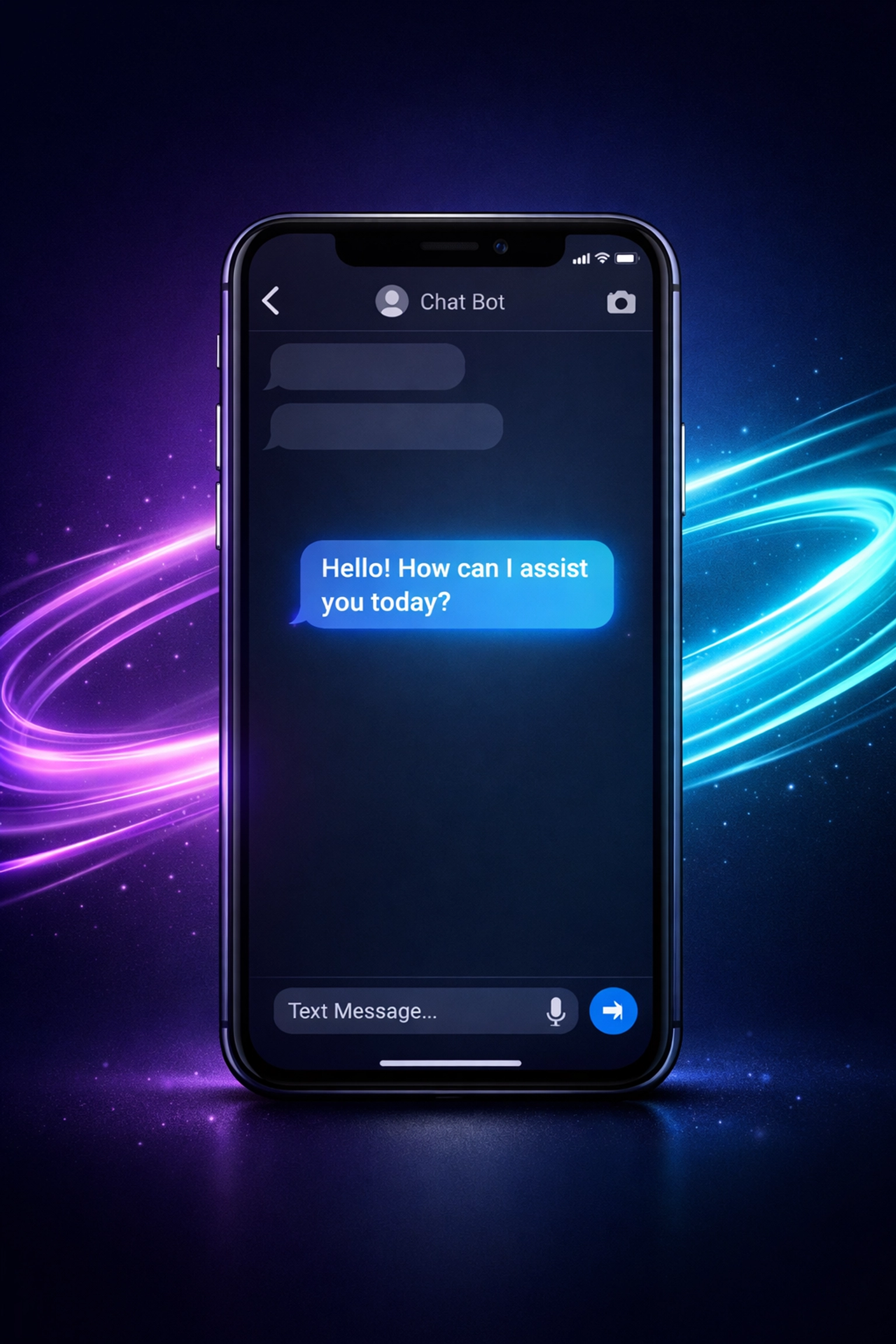
    Smartphone showing automated text back response to missed daycare enrollment inquiry

    There's a worry that AI means you're cutting corners or automating away the human touch. That's not what this is.

    Your staff are educators. They chose this field because they care about child development, not because they wanted to be receptionists. An AI receptionist doesn't replace them: it protects their time so they can do the job they signed up for.

    When a teacher can stay present during storytime instead of running to grab the phone, that's better care. When you can plan curriculum instead of returning voicemail, that's better leadership. When a parent gets an instant answer at 8 PM instead of waiting until Monday, that's better service.

    AI handles the logistics. You handle the relationships.

    Setting It Up Takes About 10 Minutes

    Most day care centers assume this kind of system requires IT support, integrations, and a week of training. It doesn't.

    You forward your main line to the AI receptionist number. You give it access to your calendar (Google, Outlook, whatever you use). You tell it your hours, your programs, and your pricing. Done.

    If a call comes in that the AI can't handle, it transfers to your cell or takes a message. You're still in control. You're just not tied to the phone anymore.

    And if you decide it's not working, you turn off the forwarding and go back to how things were. No long-term contract. No expensive hardware. No risk.

    The Bottom Line

    Running a day care means choosing between answering the phone and supervising kids. That's not a fair choice. And it's not one you should have to make.

    An AI receptionist and missed call text back system let you do both. Families get instant answers. You stay focused on the classroom. And you stop losing enrollment opportunities to centers that just happened to pick up faster.

    If you're tired of feeling guilty every time the phone rings during circle time, let's talk. We'll show you exactly what it sounds like and how it works for your center.
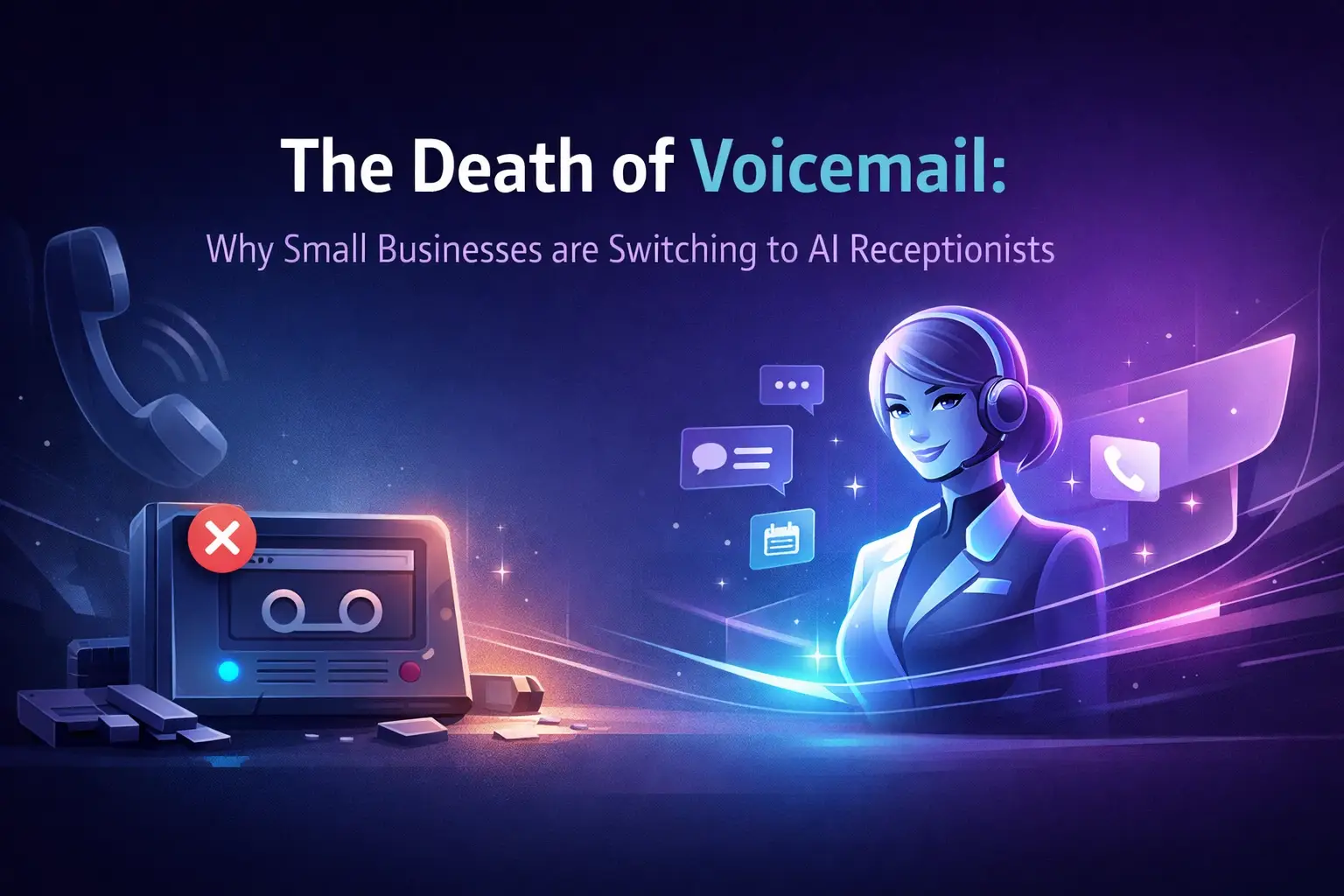
  • The Death of Voicemail: Why Small Businesses are Switching to AI Receptionists

    The Death of Voicemail: Why Small Businesses are Switching to AI Receptionists

    Voicemail isn't just outdated. It's actively costing you money.

    Every time a customer hits your voicemail, you're asking them to do unpaid work: leave a message, wait for a callback, and hope you get back to them before they call your competitor. Most don't wait. They move on.

    The numbers tell the story. Around 25% of business calls go unanswered. Of those missed calls, 85% of callers never try again. That's not a small leak. That's a revenue hemorrhage.

    Small businesses are ditching voicemail entirely. They're switching to AI receptionists: systems that answer every call, qualify every lead, and turn phone conversations into booked appointments. No hold music. No message backlog. No "I'll call you back."

    What Voicemail Actually Does (And Doesn't Do)

    Voicemail is passive. It records audio and dumps it in your inbox.

    That's it.

    You get a notification. You listen to a rambling two-minute message. You try to write down the callback number while someone's talking in the background. You transcribe the details manually. You figure out who should handle it. Then: if you're fast: you call them back within a few hours.

    By then, they've already booked with someone else.

    Voicemail creates work for you. It doesn't solve problems for your customers. It delays resolution. And in a world where people expect instant answers, delay equals lost business.

    Voicemail icon dissolving into darkness representing obsolete business phone technology

    What an AI Receptionist Actually Does

    An AI voice agent picks up the phone and has a conversation.

    Not a recording. Not a menu tree. A real back-and-forth exchange where the AI understands what the caller needs, asks follow-up questions, and takes action.

    Here's what that looks like in practice:

    • Caller: "Do you have any openings this week?"
    • AI Receptionist: "I do. Are mornings or afternoons better for you?"
    • Caller: "Afternoons work."
    • AI Receptionist: "I have Thursday at 2 PM or Friday at 3 PM. Which one?"
    • Caller: "Thursday works."
    • AI Receptionist: "Perfect. Can I get your name and phone number to confirm that?"

    Done. Appointment booked. Lead captured. No voicemail. No callback required.

    The AI extracts structured information: name, phone number, preferred time, reason for calling: and delivers it to you in a clean summary. You don't listen to recordings. You don't transcribe anything. You just see a booked slot on your calendar and a text confirmation sent to the customer.

    That's the difference between passive and active call handling.

    The Revenue Impact Is Real

    Let's talk numbers.

    Companies using an AI receptionist around the clock saw a 35% increase in captured leads. That's not a marginal improvement. That's the difference between turning away one out of three customers and capturing every single one.

    AI-led customer service improvements boost satisfaction scores by 19.6%. When customers don't have to leave voicemails and wait for callbacks, they're happier. Happier customers convert at higher rates and refer more business.

    And here's the part that matters most: businesses using AI receptionists report revenue increases of up to 19.6%. That's because you're not losing leads to friction anymore. You're converting calls while your competitors are still checking voicemail.

    Traditional voicemail chaos versus organized AI receptionist system managing calls and appointments

    The Operational Benefits You Can't Ignore

    Voicemail creates administrative overhead. Someone has to listen to messages, write them down, route them to the right person, and follow up. That's time your team isn't spending on actual revenue-generating work.

    An AI voice agent eliminates that entire workflow.

    Every call gets answered. Every message gets logged. Every lead gets routed to the right place: automatically. The AI integrates with your calendar, your CRM, and your SMS system. When a call comes in, it checks availability, books the appointment, sends a confirmation text, and logs the lead in your system.

    No manual data entry. No message backlog. No administrative bottleneck.

    And it works 24/7. After-hours calls don't go to voicemail. They get answered by the AI. Weekend inquiries don't sit in your inbox until Monday. They turn into booked appointments before your competitors even open their doors.

    That's how you capture leads your competition is missing.

    The Cost Comparison Isn't Even Close

    Hiring a full-time receptionist costs you $30,000 to $40,000 per year. That gets you 40 hours a week, plus vacation days, sick leave, and benefits.

    An AI receptionist costs about 80% less. You get 24/7 coverage, unlimited call handling, and zero overhead. No training. No turnover. No payroll taxes.

    Gartner estimates that small businesses using AI receptionists cut operating costs by up to 30%. Other research shows AI-driven call handling reduces costs by 50% compared to traditional staffing models.

    You're not just saving money. You're reallocating budget from administrative tasks to growth activities. Instead of paying someone to answer phones, you're investing in a system that captures leads, books appointments, and scales with your business.

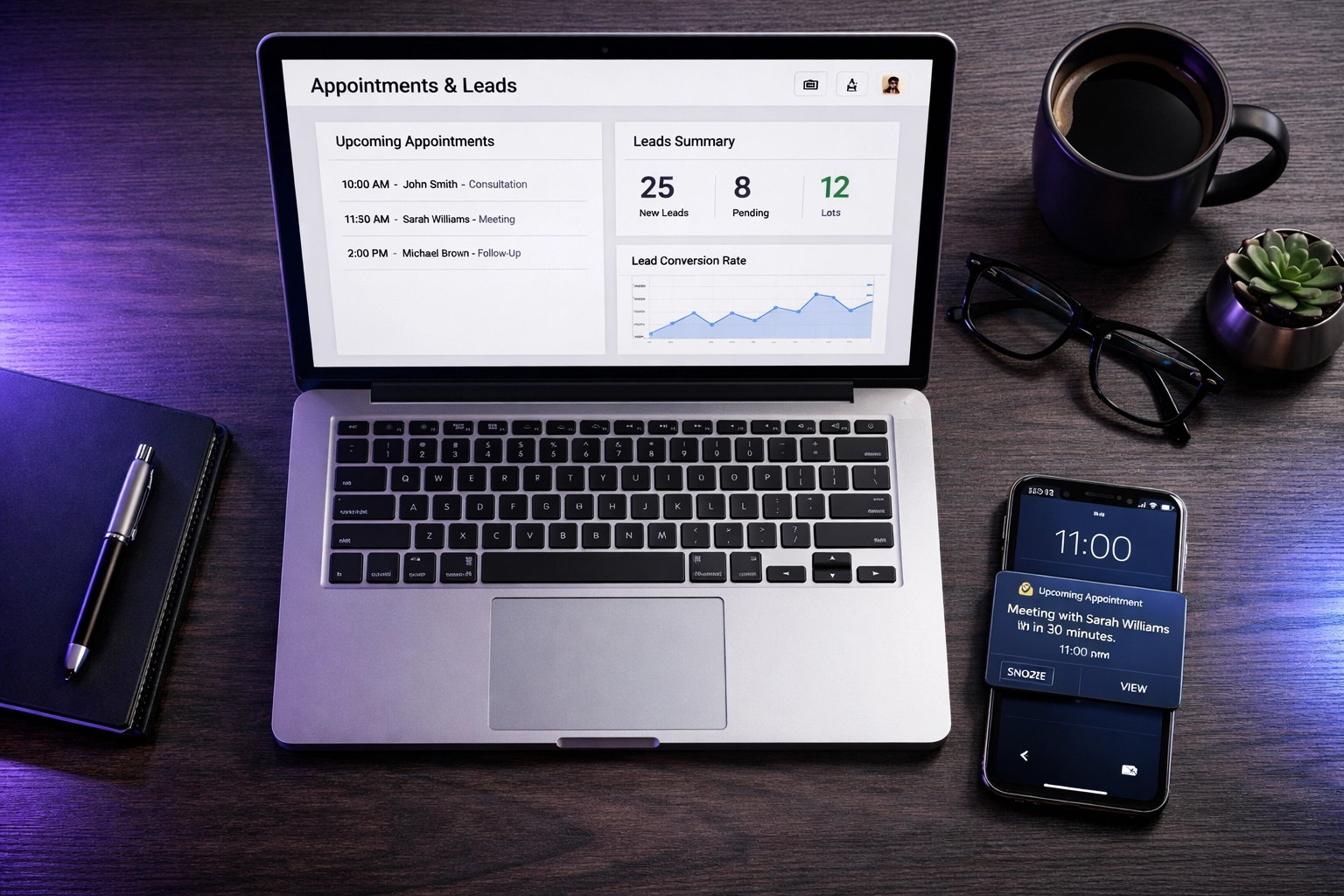
    Business dashboard displaying AI receptionist appointment bookings and lead management system

    Why Traditional 24/7 Answering Service Models Don't Cut It Anymore

    Some businesses use traditional answering services: live operators who take messages and forward them to you. That's better than voicemail, but not by much.

    You're still playing phone tag. The operator takes a message. You get a notification. You call the customer back. They don't answer. You leave a voicemail. They call back. You're on another call. Repeat.

    It's slow. It's inefficient. And it doesn't scale.

    An AI voice agent doesn't take messages. It takes action. It books the appointment right then. It qualifies the lead before you ever pick up the phone. It routes urgent calls directly to you and handles routine inquiries on its own.

    That's the difference between a messaging service and a revenue-generating system.

    What Happens When You Don't Switch

    Let's be clear about what you're risking.

    Every missed call is a customer who raised their hand and said, "I want to do business with you." When they hit voicemail, you're telling them to wait. Most won't.

    Your competitors are answering those calls. They're booking those appointments. They're capturing those leads while you're still sorting through messages.

    The businesses that adapt early win. The ones that cling to voicemail because "it's always worked" get left behind. This isn't about being trendy. It's about not losing to someone who answers the phone.

    AI voice agent network connecting multiple phone lines for 24/7 call answering service

    What Switching Looks Like

    You don't rip out your phone system. You don't retrain your staff. You just forward your main line to the AI.

    Setup takes 2-3 days. The AI learns your business: your services, your pricing, your availability. You give it access to your calendar. You tell it how to handle different types of calls.

    Then you turn it on.

    Calls start coming in. The AI answers. Appointments get booked. Leads get captured. You see everything in your dashboard: transcripts, summaries, booked slots.

    If the AI doesn't know how to handle something, it routes the call to you. If you can't pick up, it sends a missed call text back instantly so the lead doesn't disappear.

    You're not replacing your team. You're eliminating the bottleneck that keeps them from doing their actual jobs.

    The Bottom Line

    Voicemail is a dead end. It's where leads go to die.

    An AI receptionist turns every call into an opportunity. It answers 24/7. It books appointments. It qualifies leads. It integrates with your systems. And it costs a fraction of what you're losing to missed calls.

    The businesses switching now aren't doing it because it's innovative. They're doing it because it works. They're capturing more leads, closing more deals, and spending less time on administrative tasks.

    If your phone system still relies on voicemail, you're competing with one hand tied behind your back. The fix isn't complicated. It's just a decision.

    You can keep asking customers to leave messages and hope they call back. Or you can answer every time.

    Want to see what this looks like for your business? Let's talk.

  • Are Missed Calls Costing You $126k a Year? Here’s What Business Owners Need to Know

    Are Missed Calls Costing You $126k a Year? Here’s What Business Owners Need to Know

    It's 2:47 PM on a Tuesday.

    You're elbow-deep in a client meeting. Your phone buzzes. Then buzzes again. By the time you check your missed calls an hour later, there are three new numbers you don't recognize.

    You call back. Voicemail. Voicemail. The third one picks up but says they "already found someone else."

    That last one? That was a $3,200 job. Gone.

    This happens more often than you think. And the math is brutal.

    The Real Cost of a Missed Call (It's Not What You Think)

    Here's what most business owners don't realize: every missed call has a price tag attached to it.

    Research from call center analytics shows the average cost per missed call sits at $12.15. That might not sound like much. But here's where it gets interesting.

    If you're a small to medium-sized business missing just six calls per day, you're hemorrhaging over $26,000 annually.

    Six calls per day. That's it.

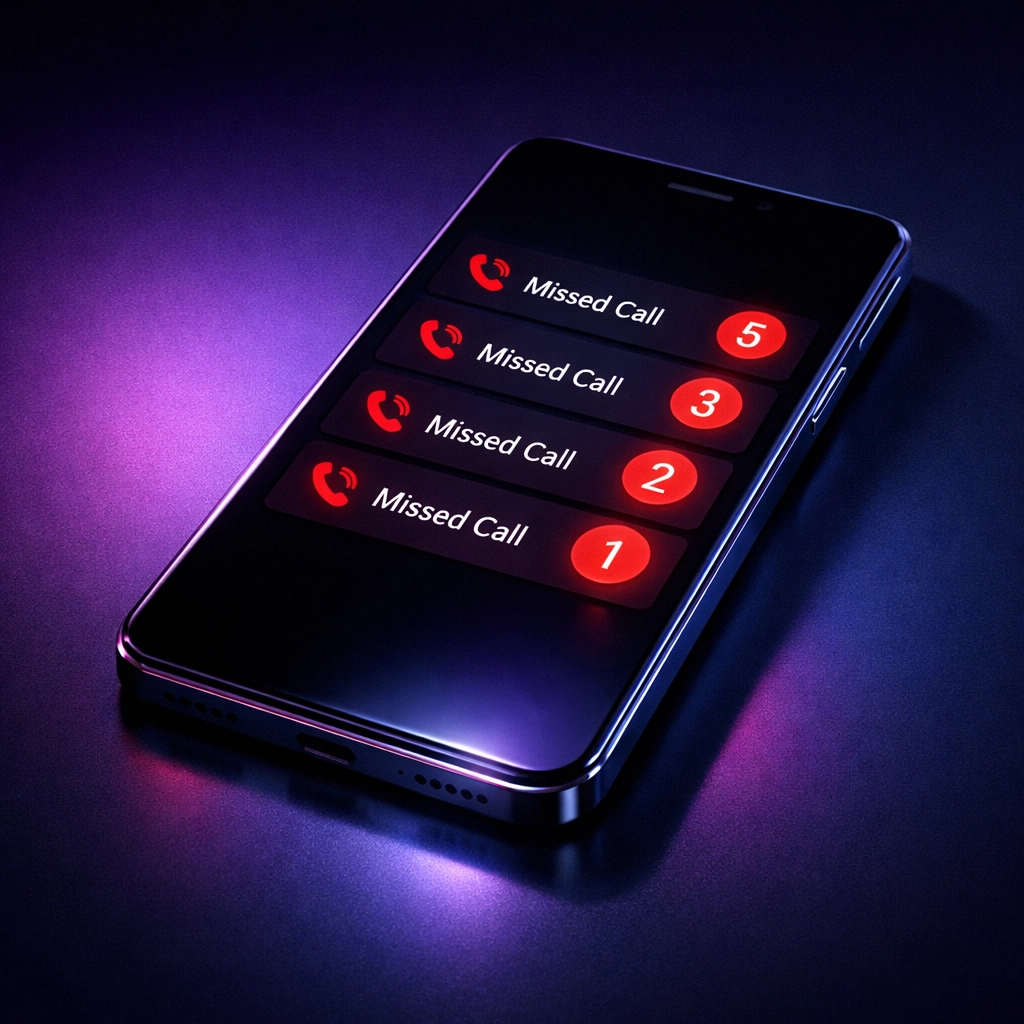
    Smartphone displaying multiple missed call notifications showing lost business opportunities

    But let's be honest. If you're running an HVAC company, a law firm, or a medical practice, your numbers look different. Much different.

    Take HVAC businesses. The average service call runs around $650. Miss 25 calls per week, and you're staring down $546,000 in lost annual revenue. That assumes 70% of callers won't bother calling back. Spoiler: they won't.

    Real estate agents? Missing eight calls weekly with an average commission of $12,000 translates to $26,880 in lost potential revenue every single month. Even at conservative conversion rates.

    Healthcare providers typically miss 15 to 30 calls weekly. That's $6,300 to $42,000 monthly depending on appointment values.

    The pattern is clear. The more valuable your service, the more expensive your silence.

    Why People Don't Call Back

    You might be thinking: "They'll call back if they really need me."

    They won't.

    Here's what happens in your potential customer's mind when your phone goes to voicemail:

    First, doubt creeps in. Are you even in business? Are you too busy to take on new work?

    Second, frustration. They're calling during business hours. Why aren't you answering?

    Third, they move on. They scroll to the next Google result. They call your competitor. Done.

    70% of callers won't retry after getting voicemail. They're not being difficult. They're being practical. They have a problem that needs solving today, not whenever you get around to checking messages.

    Your voicemail greeting promising to "call back as soon as possible" doesn't matter. By the time you return the call, they've already booked with someone who picked up.

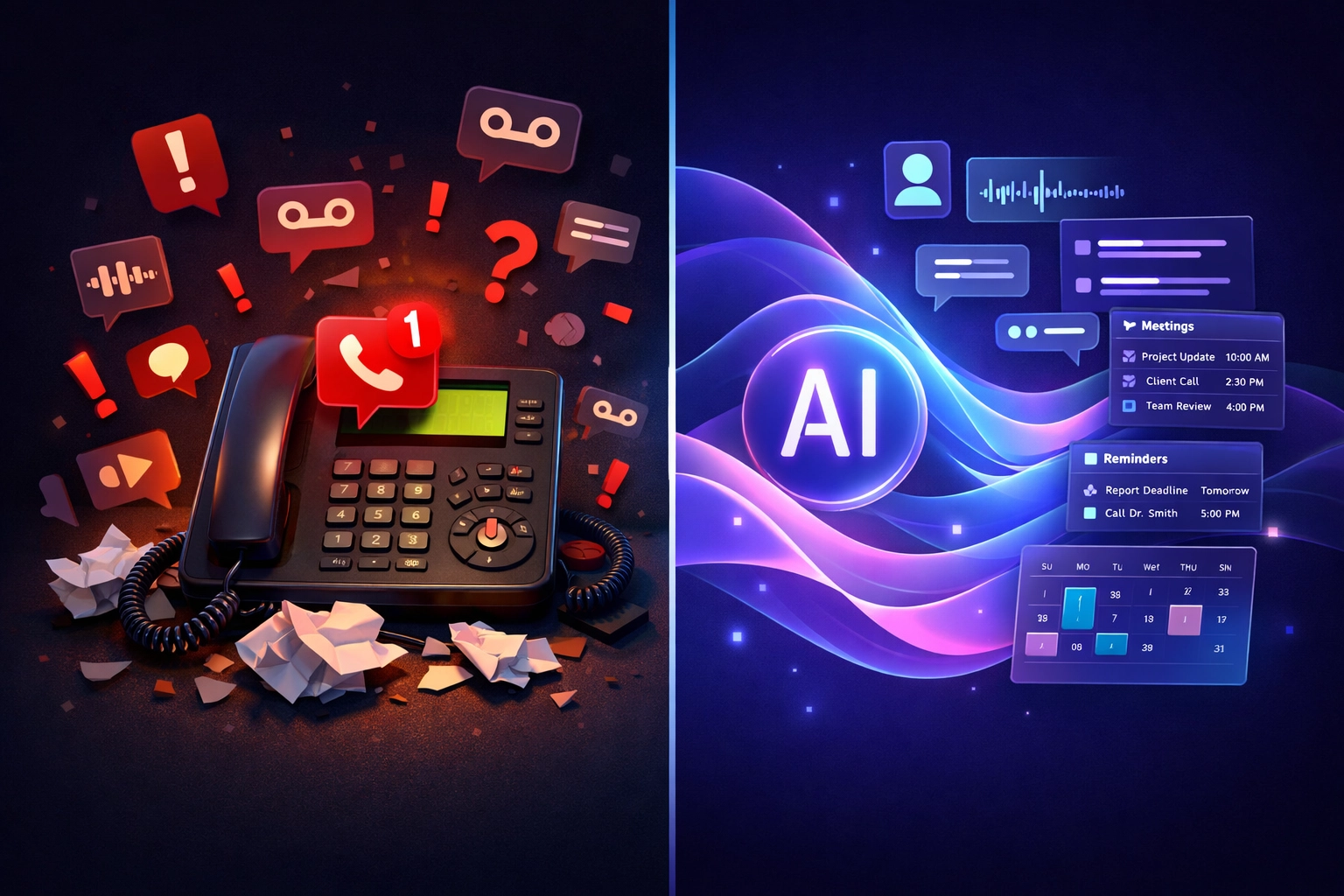
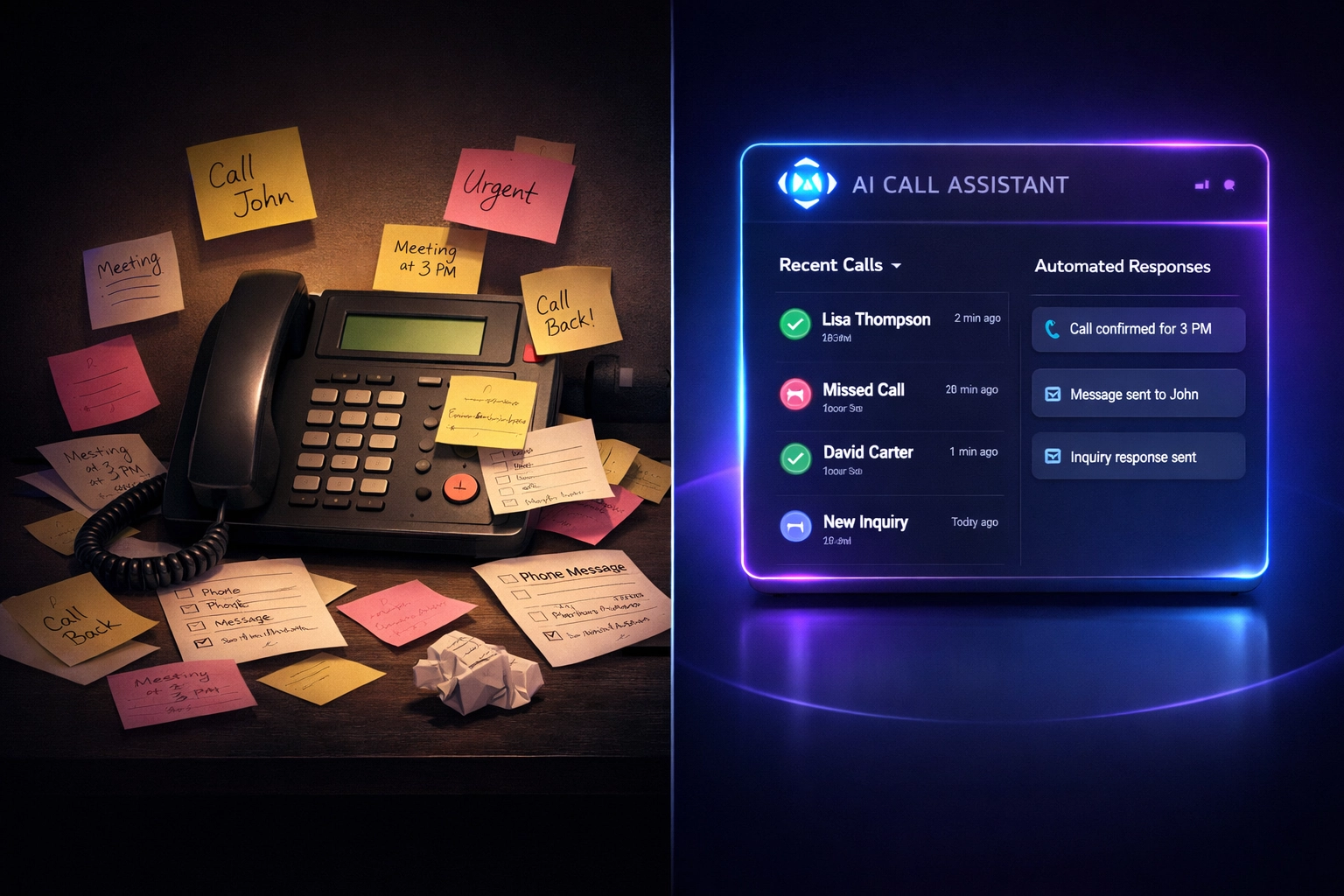
    Comparison of traditional phone system versus modern AI receptionist dashboard

    The Hidden Costs You're Not Tracking

    Lost revenue is just the beginning. Missed calls create a ripple effect that damages your business in ways that don't show up on a spreadsheet.

    Your reputation takes a hit. Online reviews mention that you're "hard to reach" or "never available." Those reviews stick around long after you've implemented new systems.

    Your marketing spend becomes less effective. You're paying for Google Ads, Facebook campaigns, maybe even direct mail. All of it drives people to call you. If you're not answering, you're burning money.

    Your staff gets overwhelmed. When you do answer, you're rushing through calls because three more are waiting. Quality drops. Customer experience suffers.

    Your growth stalls. You can't scale if you can't handle the leads you already have. You stay stuck in the cycle of being too busy to grow but not growing enough to afford help.

    Enter the AI Receptionist

    This is where technology finally catches up to the problem.

    An AI receptionist isn't just fancy voicemail. It's not an answering service where someone takes a message and emails it to you.

    It's a system that actually handles the call. Books the appointment. Answers basic questions. Qualifies the lead. Takes payment information if needed.

    It does this 24/7. Never takes a lunch break. Never calls in sick. Never gets frustrated with a difficult caller.

    AI voice agent technology visualization showing intelligent call handling capabilities

    The technology behind AI voice agents has evolved past the robotic phone trees everyone hates. Modern systems use natural language processing. They understand context. They handle interruptions. They sound conversational.

    More importantly, they convert.

    How It Actually Works

    Here's what happens when someone calls a business using an AI voice agent:

    The phone rings. The AI answers within two rings. No hold music. No "press 1 for sales" maze.

    The caller explains what they need. The AI understands. It checks your calendar in real-time. It offers available time slots. The caller picks one. Done.

    The appointment gets added to your schedule automatically. A confirmation text goes out immediately. A reminder follows 24 hours before the appointment.

    If the AI doesn't know something, it doesn't fake it. It collects the information and escalates to you via text or email. You can choose to take over the call or let the AI handle the rest.

    The entire interaction feels natural. Most callers don't realize they're not talking to a human. And frankly, they don't care as long as their problem gets solved.

    The Missed Call Text Back Game-Changer

    Here's another piece of the puzzle that most businesses overlook: missed call text back.

    Even with an AI answering system, some calls will drop. Someone might hang up by accident. The connection might fail. Life happens.

    A missed call text back system immediately sends an SMS to any number that called but didn't complete the conversation. Something simple like:

    "Hi, looks like we missed your call. What can we help you with? Reply here or call back anytime."

    This single feature recovers leads that would otherwise vanish into the void. People respond to texts. They're less intrusive than calling. They allow the customer to communicate on their terms.

    The response rate on these texts typically exceeds 40%. That means four out of every ten missed calls get recovered without you lifting a finger.

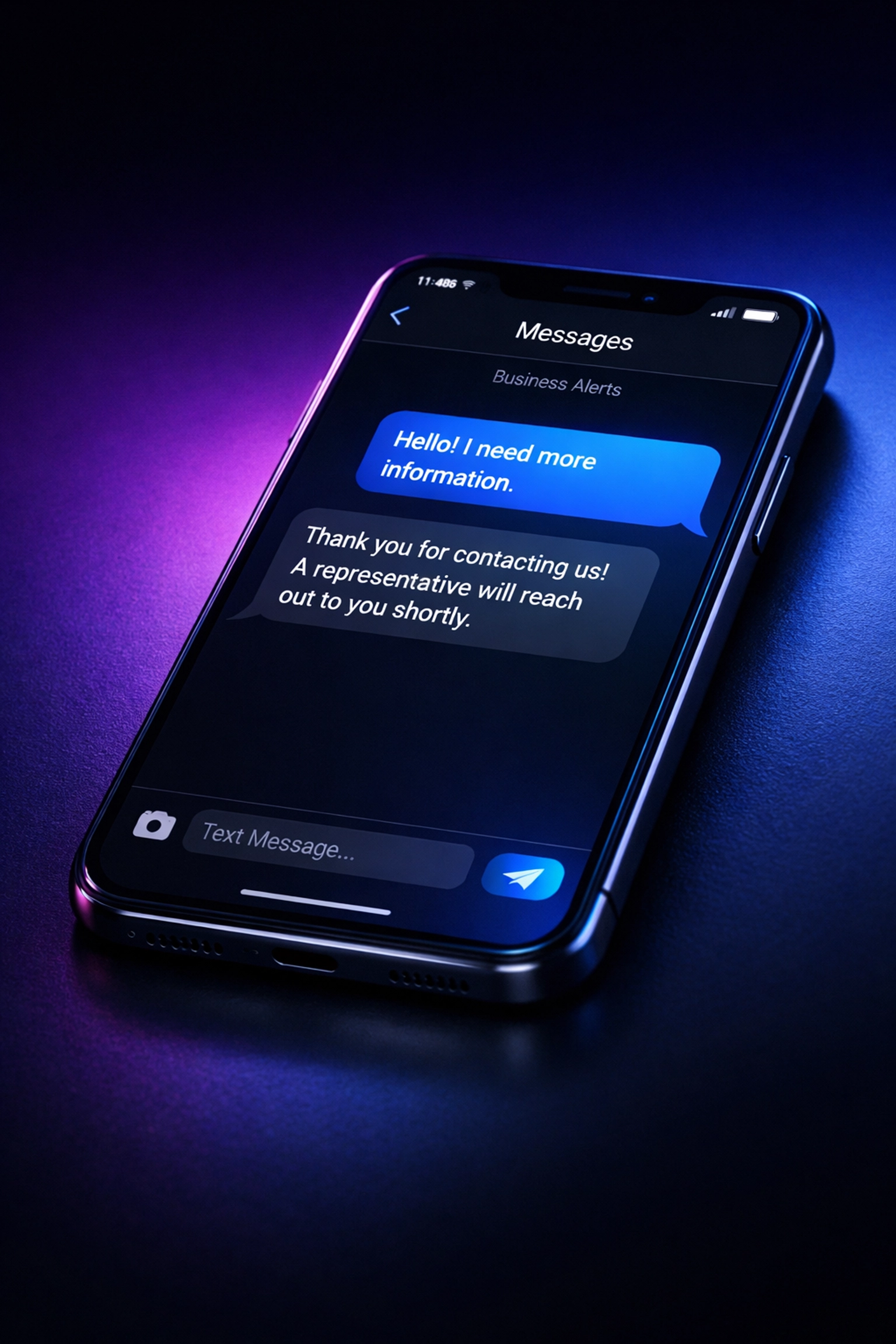
    Automated missed call text back message on smartphone screen

    What This Means for Your Business

    Let's run the numbers with a real scenario.

    You're running a home services business. You're currently missing 20 calls per week. Your average job is worth $800. Your close rate on leads is 30%.

    Current state: You're losing approximately 14 jobs monthly (20 calls × 70% who don't call back × 4 weeks × 30% close rate). That's $11,200 in monthly revenue just evaporating.

    With an AI receptionist: You capture all 20 calls. You convert at the same 30% rate. That's 24 new jobs monthly. $19,200 in new revenue.

    The difference? $96,000 annually.

    That's with conservative numbers. If your average job value is higher, or if your close rate improves because customers appreciate the instant response, the impact multiplies.

    The Bigger Picture

    This isn't really about technology. It's about respect.

    Respect for your customers' time. Respect for your own business. Respect for the effort you put into marketing and brand-building.

    Every missed call represents someone who chose you. They saw your website, read your reviews, maybe got a referral from a friend. They picked up the phone and dialed.

    That action required trust. They trusted you'd be there. They trusted you'd help them.

    When you don't answer, you break that trust. Not dramatically. Not loudly. But definitively.

    An AI voice agent ensures that trust never gets broken. It's there when you can't be. It handles the routine so you can focus on what actually requires your expertise.

    What Happens Next

    You have two options from here.

    Option one: keep doing what you're doing. Accept that missed calls are just "part of running a business." Watch competitors who implement better systems slowly eat into your market share.

    Option two: acknowledge that communication technology has evolved. Customer expectations have changed. The businesses winning right now are the ones who answer the phone. Every time. Even at 10 PM on a Saturday.

    The cost of implementing an AI receptionist is a fraction of what you're losing to missed calls. The setup takes days, not months. The learning curve is minimal.

    Your customers won't notice the difference. They'll just notice you're suddenly easier to reach. More responsive. More professional.

    That's what matters.

    The $126,000 question isn't whether you can afford to implement this technology. It's whether you can afford not to.

    Your phone is ringing right now. Someone needs what you offer. Are you going to answer?

  • 7 Mistakes You’re Making with Call Routing (And How AI Fixes Them)

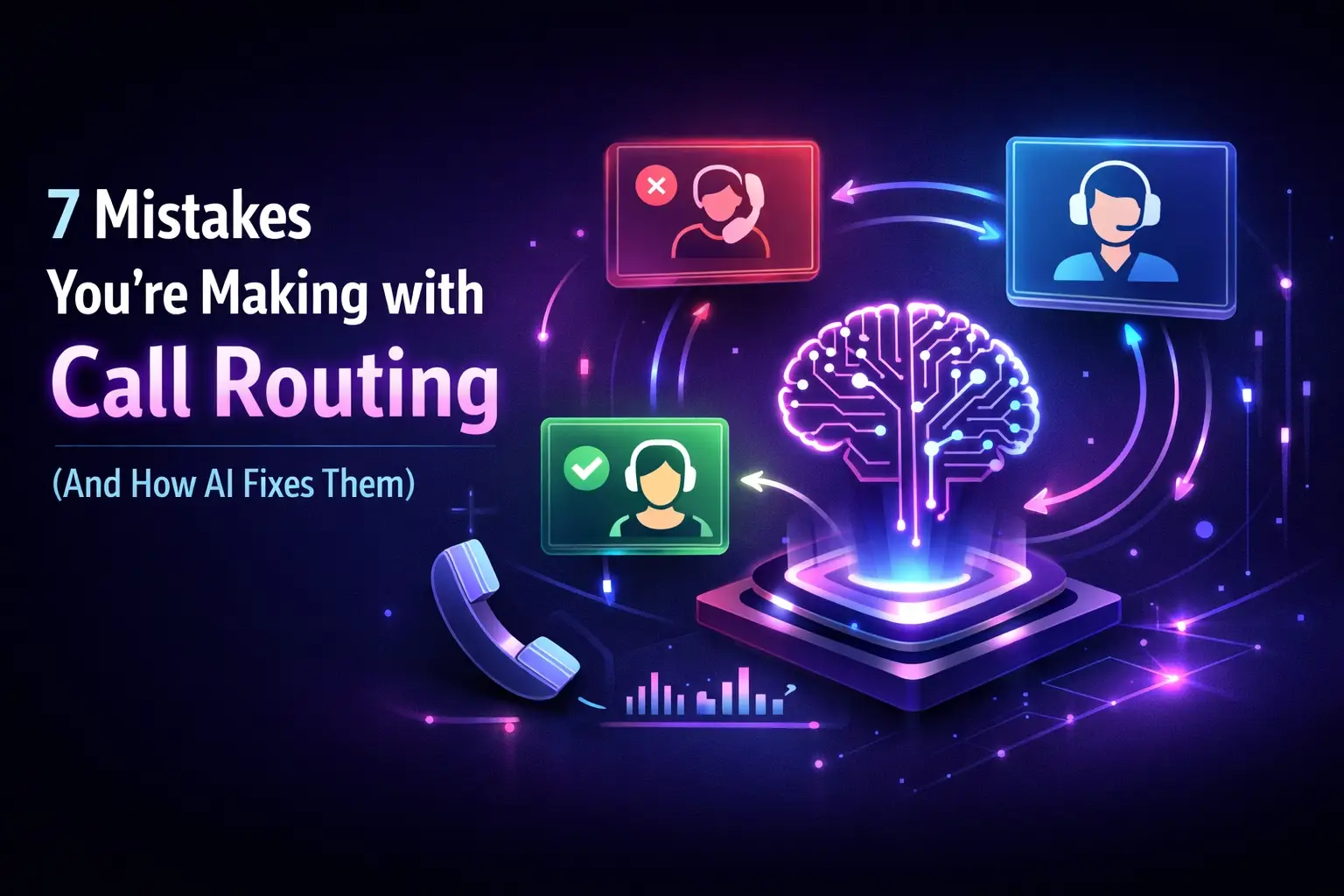
    7 Mistakes You’re Making with Call Routing (And How AI Fixes Them)

    Your phone rings. A potential customer has a question. They want to give you money.

    But they can't get through. Or they get bounced between departments. Or they give up after listening to seven menu options.

    You've just lost a sale. Not because your product or service wasn't good enough, because your call routing system failed.

    Most businesses don't realize their phone system is actively costing them customers. They think it's working fine because calls are being answered. But here's the truth: your call routing setup is probably making at least one of these seven critical mistakes.

    Let's break them down and show you how AI fixes each one.

    Mistake #1: Your IVR Menu Is a Maze

    You've heard it a thousand times yourself. "Press 1 for sales. Press 2 for support. Press 3 for billing. Press 4 for…"

    By option five, the caller has forgotten what option two was.

    Complex IVR menu maze causing caller frustration and confusion with tangled phone routing paths

    Traditional IVR systems assume callers know exactly which department they need. They don't. A customer calling about a broken product might need support, warranty information, or a replacement order. They shouldn't have to guess.

    Complex menu trees force callers to make decisions with incomplete information. They pick the wrong option. They get transferred. They start over. Or worse, they hang up.

    How AI fixes it: AI voice agents don't use rigid menu systems. They have conversations. A caller can say "My equipment stopped working and I need help" and the AI understands the intent immediately. No pressing buttons. No guessing. Just natural language that routes them to exactly where they need to go.

    Mistake #2: You're Making People Wait on Hold

    Nothing says "we don't value your time" like a hold message.

    Even a two-minute hold feels like ten minutes when you're the one waiting. And every second on hold increases the chance someone hangs up and calls your competitor instead.

    Traditional call routing systems queue calls during busy periods. During off hours, calls might not be answered at all. Both scenarios lose you business.

    How AI fixes it: AI agents don't put people on hold. They answer every call instantly, 24/7. No queue. No wait time. No "your call is important to us" recorded message that nobody believes.

    When call volume spikes, your AI receptionist handles them all simultaneously. Ten callers or a hundred, it makes no difference.

    Mistake #3: You Close When Customers Don't

    Your business hours are 9 to 5. Your customers have emergencies at 9 PM.

    Comparison of traditional hold times versus instant AI call answering with 24/7 availability

    If you're a contractor, property manager, or service business, after-hours calls aren't just nice-to-haves. They're often your most valuable leads. Someone with a plumbing emergency at midnight isn't comparison shopping. They need help now.

    Traditional answering services cost a fortune and still manage to mess up basic information. Voicemail loses calls entirely, most people won't leave a message.

    How AI fixes it: AI voice agents work around the clock without overtime pay or performance issues. They capture every after-hours call with the same competence as daytime calls. They collect the necessary information, assess urgency, and route appropriately.

    You wake up to organized summaries, not missed opportunities.

    Mistake #4: You're Not Routing Calls Intelligently

    All calls aren't equal. A returning customer with a billing question needs different handling than a first-time caller requesting a quote.

    But most call routing systems treat everyone the same. They can't identify who's calling or why. They route based on button presses, not context.

    A roofing company that doesn't route by zip code sends leads to the wrong branch. A medical office that can't distinguish between new patients and follow-ups wastes appointment slots. A retail business that can't identify VIP customers misses upsell opportunities.

    How AI fixes it: AI analyzes caller information in real-time. It recognizes returning customers. It understands geographic context. It assesses priority based on the conversation.

    When someone calls, the AI knows whether they're a new lead worth $5,000 or an existing client calling about a minor issue. It routes accordingly. Your best agents handle your best opportunities.

    Mistake #5: You Transfer Without Context

    "Let me transfer you to someone who can help."

    The call connects. The new person asks, "What can I help you with?"

    The caller sighs and explains everything again. Maybe they get transferred again. Now they're explaining their issue for the third time.

    After-hours business with AI receptionist providing round-the-clock customer service coverage

    Transfers without context waste everyone's time. They frustrate callers and reduce agent productivity. Yet most call routing systems handle transfers as blind handoffs with zero information passed along.

    How AI fixes it: When an AI agent needs to transfer a call, it passes complete context to the human agent. The agent sees a summary of what the caller needs before picking up. No repetition. No confusion.

    Better yet, the AI handles most calls without transferring at all. It answers common questions, books appointments, and collects information independently. Human agents only get involved when human judgment is actually necessary.

    Mistake #6: You Can't Distinguish New from Returning Callers

    Your call tracking shows 50 calls last week. Great, right?

    Wrong. Fifteen of those were the same person calling back multiple times because they couldn't get through. Your actual lead count is inflated. Your cost-per-lead calculations are off. Your routing priorities are backwards.

    Traditional phone systems don't connect the dots between multiple calls from the same person. Each call looks like a new opportunity in your reports.

    How AI fixes it: AI voice agents integrate with your CRM and track caller history automatically. They recognize when someone's calling back. They reference previous conversations. They update existing records instead of creating duplicates.

    Your data becomes accurate. Your team knows who needs follow-up and who's already been helped. You stop treating repeat callers like new leads.

    Mistake #7: Your Routing Rules Are Too Rigid

    Business changes fast. Your phone system doesn't.

    Maybe you launched a new service line. Maybe you hired a specialist who should handle specific call types. Maybe seasonal demand shifted your priorities.

    Traditional phone routing requires IT involvement to update. You submit a ticket. You wait. Meanwhile, calls keep routing the wrong way because your system can't adapt quickly.

    Intelligent AI call routing network distributing calls efficiently across multiple pathways

    How AI fixes it: AI voice agents learn and adapt based on your business rules. You can update routing logic through simple configuration, no IT ticket required. When business priorities shift, your phone system shifts with them.

    The AI also learns from patterns over time. It identifies which routing decisions produce the best outcomes and optimizes accordingly. Your call handling gets smarter automatically.

    The Real Cost of Bad Call Routing

    Let's do the math.

    Say you get 100 calls per week. If your routing system causes just 10% of those callers to hang up or have a poor experience, that's 40 lost opportunities per month.

    If your average customer value is $500, bad call routing costs you $20,000 monthly. That's $240,000 per year walking away because your phone system frustrated them.

    And that's conservative. Many businesses lose far more.

    What Good Call Routing Actually Looks Like

    Good call routing is invisible to the caller. They call. They explain what they need. They get helped.

    No menu navigation. No hold time. No transfers. No repeating themselves.

    Behind the scenes, the system is making sophisticated decisions about priority, routing, and resource allocation. But the caller just experiences smooth, efficient service.

    That's what AI-powered call routing delivers. Not perfection: but a massive improvement over the seven mistakes almost every business is currently making.

    Making the Switch

    Moving from traditional call routing to AI doesn't require replacing your entire phone infrastructure.

    AI voice agents integrate with existing systems. They work with your current CRM, your current phone numbers, and your current processes. Implementation typically takes days, not months.

    The technology handles complexity so your callers experience simplicity. And your team focuses on high-value work instead of basic call management.

    Your phone system should help you capture opportunities, not lose them. If you're making any of these seven mistakes, you're leaving money on the table every single day.

    The question isn't whether AI call routing is better. The question is how much longer you want to keep losing calls to an outdated system.

  • Stop Losing Money to No-Shows: How Automated Appointment Reminders Cut Cancellations by 40%

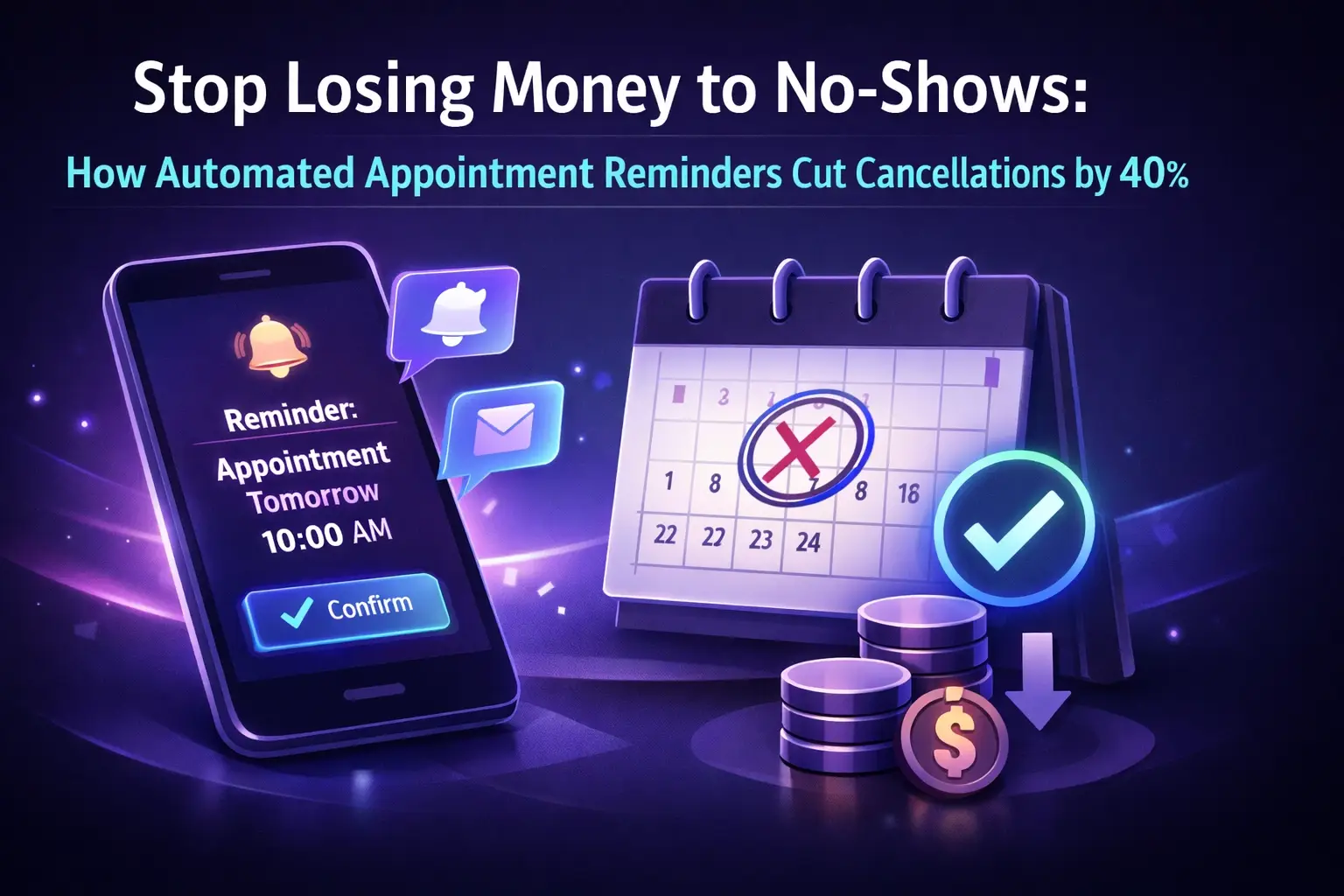
    Stop Losing Money to No-Shows: How Automated Appointment Reminders Cut Cancellations by 40%

    Every empty appointment slot is money walking out your door.

    A patient who doesn't show. A client who forgets. A customer who got busy. You've blocked that time. You've turned away other appointments. And now you're sitting there with nothing to show for it.

    The average no-show rate across service businesses hovers around 20-30%. For a medical practice seeing 100 patients per week, that's 20-30 missed appointments. At $150 per visit, you're losing $3,000 to $4,500 every single week.

    That's $234,000 per year. Gone.

    But here's what most business owners don't realize, you can cut that number by 40% or more with a system that costs less than your monthly coffee budget.

    The Real Cost of No-Shows Goes Beyond Lost Revenue

    You already know no-shows hurt your bottom line. But the damage runs deeper than the obvious lost appointment fee.

    Your staff spends hours calling patients to confirm appointments. They're playing phone tag, leaving voicemails, and manually updating your calendar. That's time they could spend on revenue-generating activities or actual patient care.

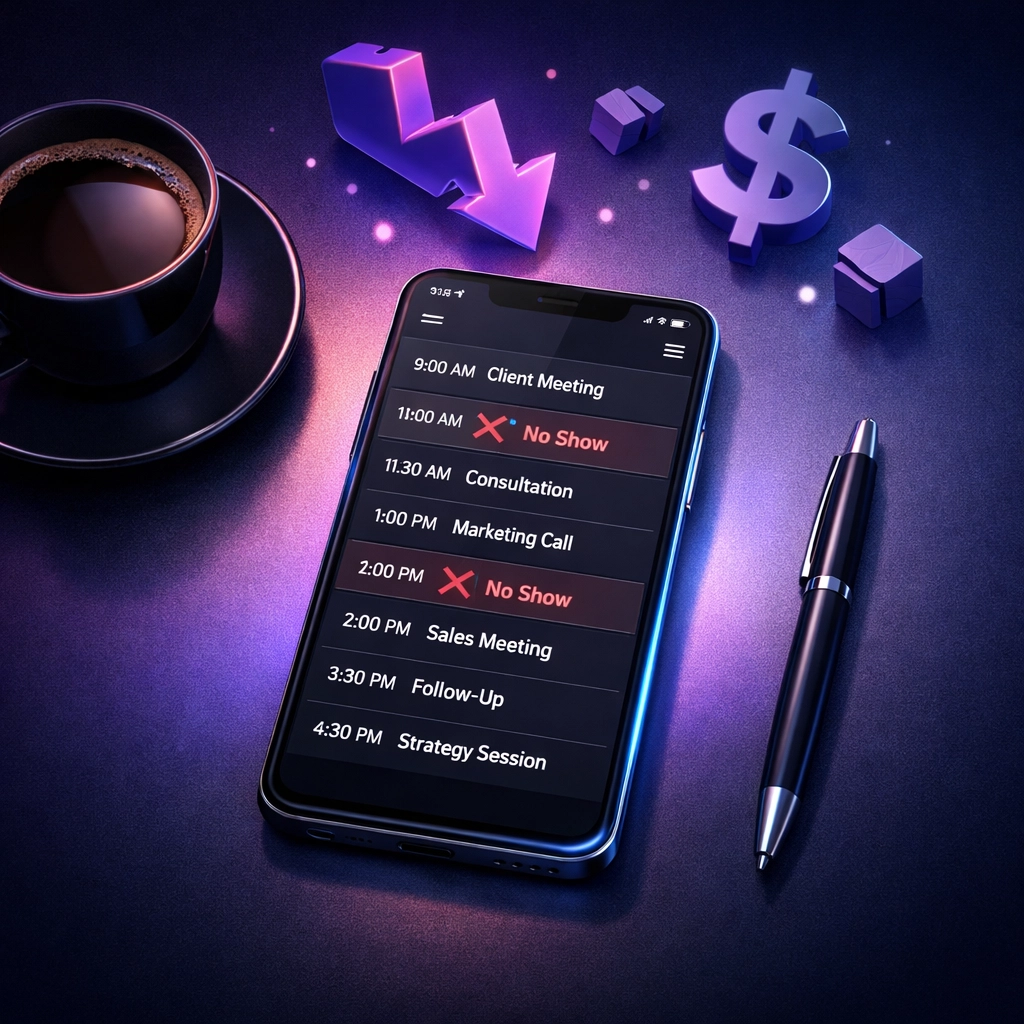
    Business calendar showing missed appointments and no-shows costing revenue

    Then there's the opportunity cost. When someone no-shows, you can't fill that slot with another patient who actually needs you. You've turned away revenue twice, once when you blocked the time, and again when you couldn't backfill it.

    Your schedule becomes unreliable. You can't accurately predict your day. Some days you're slammed, others you're scrambling to look busy. That unpredictability makes everything harder, staffing, inventory, cash flow planning.

    And if you're in healthcare, there's another cost you can't ignore. Patients who miss appointments don't get the care they need. Conditions worsen. Follow-ups get missed. Health outcomes suffer.

    Why Your Current Reminder System Isn't Working

    Most small businesses handle appointment reminders one of three ways. None of them work well.

    Manual phone calls eat up staff time and rarely reach people. You leave voicemails that get ignored. You play phone tag for days. And half your patients don't even answer calls from numbers they don't recognize.

    Email reminders get buried in spam folders or ignored in crowded inboxes. The average office worker receives 121 emails per day. Your appointment reminder is competing with work emails, newsletters, and promotional messages. It doesn't stand a chance.

    Nothing at all because you're too busy running your business. Patients are supposed to remember their appointments. Except they don't. Because life happens.

    The problem isn't your patients. It's your system.

    How Automated SMS Reminders Actually Work

    Text messages get opened. That's the difference.

    SMS messages have a 98% open rate compared to 20% for emails. And 90% of texts get read within three minutes of delivery. When you send someone a text reminder, they see it. When they see it, they respond to it.

    Comparison of manual phone reminders versus automated SMS appointment reminder system

    Here's how an automated system like Sndflo handles your appointment reminders:

    Your calendar syncs automatically. When you book an appointment, whether through your practice management system, Google Calendar, or any scheduling platform, the reminder system picks it up instantly. No manual entry required.

    The system sends reminders at optimal times. Research shows that text messages sent at 6 PM achieve 41.4% higher confirmation rates than those sent at noon. Your reminders go out exactly when patients are most likely to respond, typically 48 hours before the appointment, then again 24 hours before.

    Patients can respond directly. They text back to confirm, reschedule, or cancel. The system updates your calendar automatically. No phone tag. No missed messages. No confusion.

    If they reschedule or cancel, your staff gets notified immediately. That gives you time to fill the slot with another patient from your waiting list.

    The Data Doesn't Lie: 40% Fewer No-Shows

    Mayo Clinic's Jacksonville facility cut no-shows by nearly 50% with automated text reminders. Dignity Health saw a 25% decrease after implementing automated scheduling. Optum reduced missed appointments by 30%.

    Health PEI's obstetrics clinic achieved a 69% reduction in no-shows through consistent automated reminders.

    A systematic review of 29 studies found that 97% demonstrated improved attendance rates with patient reminders. Patients who received automated reminders showed a 34% average reduction in missed appointments.

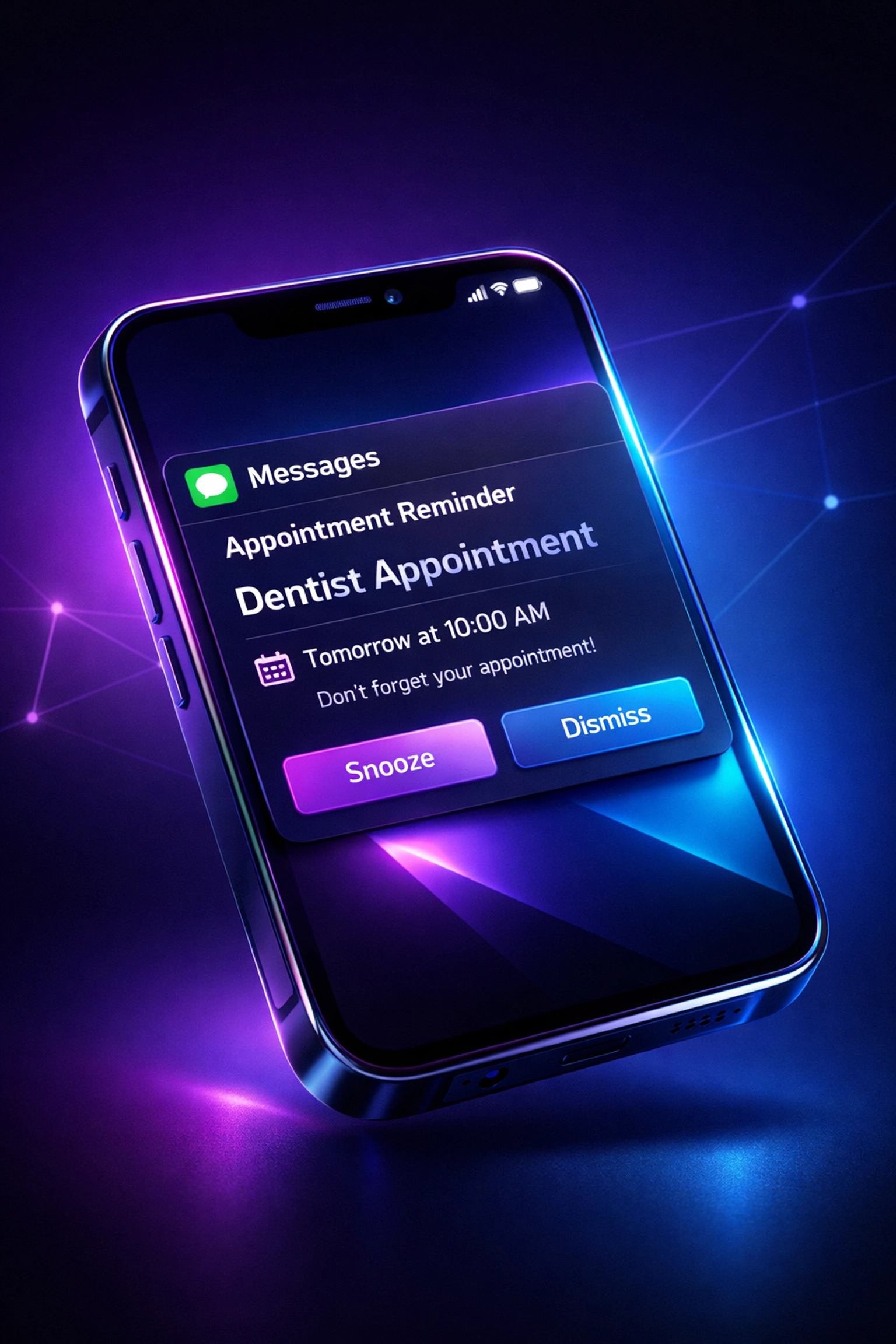
    Automated SMS appointment reminder on smartphone reducing cancellations by 40%

    Here's what that means for your business:

    If you're currently losing $234,000 per year to no-shows, a 40% reduction saves you $93,600 annually. That's enough to hire another staff member, upgrade your equipment, or finally take that vacation you've been putting off.

    For a salon booking 200 appointments per week at $75 each, dropping your no-show rate from 25% to 15% recovers $39,000 per year.

    For a home services business with an average job value of $300, reducing no-shows by 40% on just 20 weekly appointments adds $124,800 to your annual revenue.

    Industry-Specific Benefits You Can't Ignore

    Medical and dental practices see the highest impact. One healthcare system recovered $31,457 in lost revenue for every 1,600 appointments by implementing automated reminders. They also saved 500+ hours of staff time annually, time that staff redirected toward patient care instead of phone calls.

    Automated reminders also improve patient health outcomes. When patients actually show up for appointments, they get the preventive care, follow-ups, and treatments they need. Chronic conditions stay managed. Preventable complications get prevented.

    Salons and spas deal with especially high no-show rates because appointments feel less urgent than medical visits. Automated reminders cut through that perception. When your client gets a text the day before asking them to confirm, that appointment becomes real again. They either show up or give you enough notice to fill the slot.

    Home services businesses face unique challenges. Your technicians drive to job sites. If someone no-shows, you've wasted drive time, fuel, and the opportunity to serve another customer. Automated reminders reduce those wasted trips dramatically. They also let customers reschedule before you've already loaded up the truck.

    How Sndflo Handles This for You

    Sndflo's automated reminder system integrates directly with your existing calendar. Google Calendar, Outlook, your practice management software, it connects to whatever you're already using. No switching systems. No manual exports.

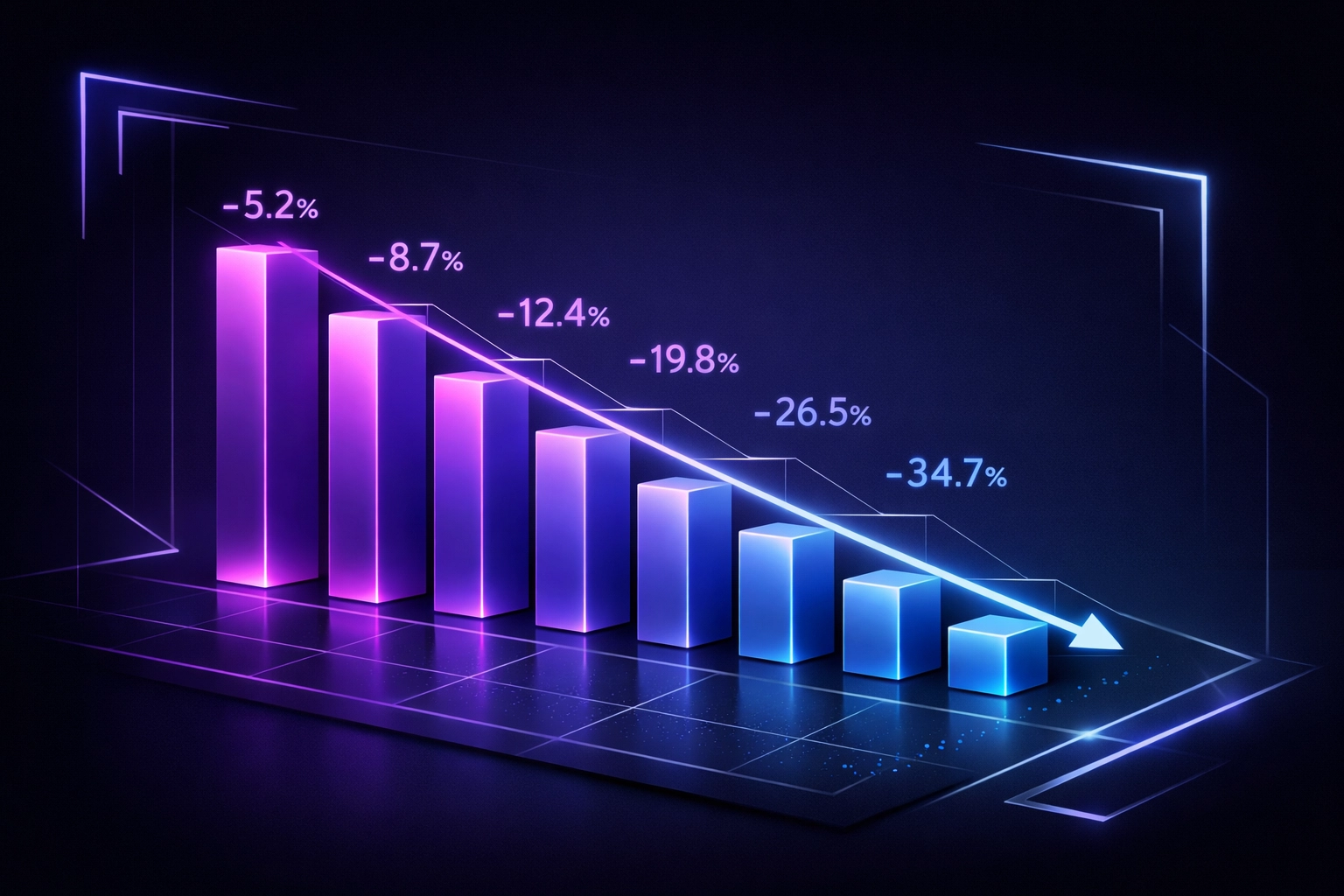
    Graph showing 40% reduction in appointment cancellations with automated reminders

    You set your reminder preferences once. How many days before the appointment. What time of day. What the message should say. Then the system runs automatically.

    When someone books an appointment, they're in the system. When the reminder time hits, they get a text. When they respond, your calendar updates. You don't touch any of it.

    The system handles multiple appointment types differently. A routine checkup gets different reminder timing than an urgent consultation. A haircut gets different messaging than a root canal. You configure it once based on your business rules, then it runs on autopilot.

    If someone tries to reschedule via text, Sndflo can handle that conversation directly. The AI understands natural language. If they say "can I move this to next Tuesday at 2?" the system checks your availability and either books it or offers alternatives. No human intervention required unless the AI encounters something complex.

    The cost? Around $0.14 per contacted patient. Compare that to $0.90 for manual telephone reminders. Plus the staff hours you're not spending on the phone.

    Getting Started Takes Less Time Than Your Morning Coffee

    You don't need to overhaul your entire practice management system. You don't need IT support. You definitely don't need to hire someone to manage this.

    Connect your calendar. Choose your reminder settings. Write your message template. Done.

    Most businesses see results within the first week. Patients start confirming appointments. No-shows drop. Your schedule becomes predictable again.

    Organizations that implement automated appointment reminders report higher revenue, better patient compliance, improved appointment utilization, and fewer unfilled appointments. 88% of healthcare leaders say the benefits extend beyond just reducing no-shows.

    Your empty appointment slots represent the easiest money you'll ever recover. You're not trying to find new customers. You're not launching a marketing campaign. You're just making sure the patients who already trust you actually show up.

    Medical, salon, and home service businesses using automated appointment reminders

    The math is simple. If automated reminders cost you $200 per month and save you even $2,000 in recovered no-shows, that's a 10X return. Most businesses see returns far higher than that.

    You can keep calling patients manually. You can keep losing $234,000 per year to no-shows. Or you can let a system handle it for you while you focus on actually running your business.

    The choice is obvious. The question is whether you'll make it today or six months from now after you've lost another $117,000 to preventable no-shows.

    Ready to stop losing money to missed appointments? Visit sndflo.com to see how automated reminders integrate with your existing workflow: no complicated setup required.

Blog Posts